

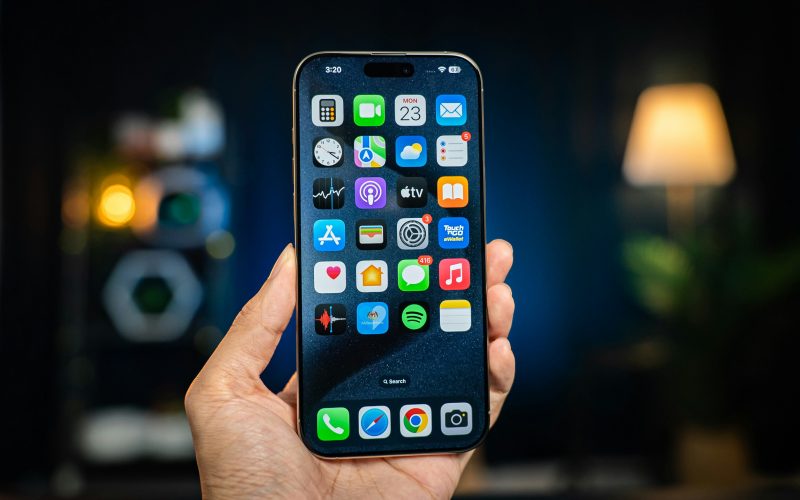
Many people use their smartphones every day without realizing how much hidden potential they actually contain. In fact, learning a few iPhone hidden tips can completely change the way you interact with your device. These iPhone hidden tips are already built into the system, yet most users never take advantage of them.
The iPhone, powered by iOS, is designed not only for simplicity but also for efficiency and productivity. However, many powerful features remain hidden beneath the surface. This article will explore a wide range of iPhone hidden tips that can help you save time, improve workflow, and unlock smarter ways of using your device.
By the end of this guide, you will understand how small system features can significantly enhance your daily smartphone experience without installing any additional apps.
Back Tap: A Powerful Hidden Control Feature
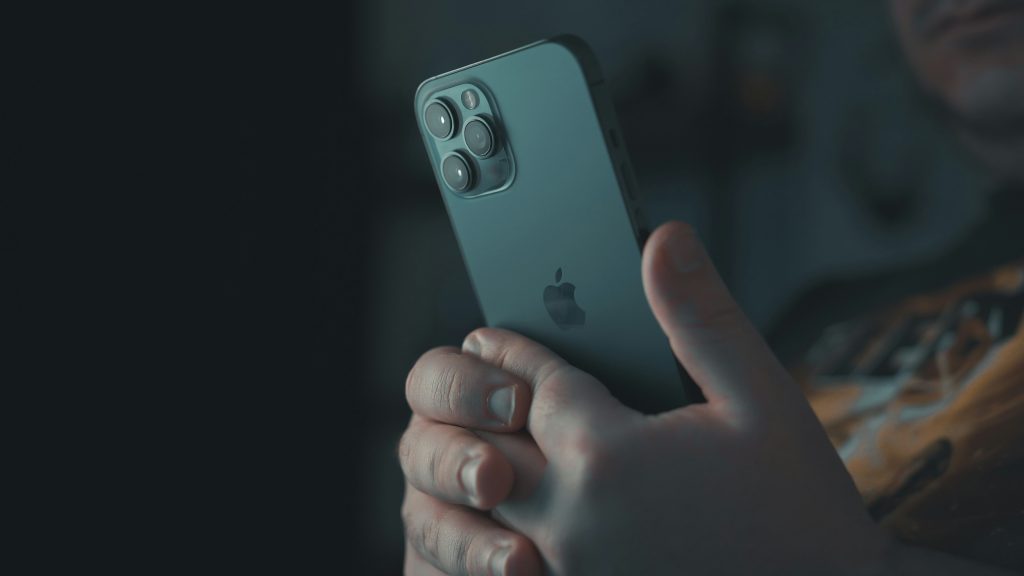
One of the most practical iPhone hidden tips is the Back Tap feature. This allows users to trigger actions by tapping the back of the device two or three times.
With Back Tap, you can instantly take screenshots, activate the flashlight, open the Control Center, or launch any app you choose. This makes it one of the most efficient hidden iPhone features for everyday use.
Instead of navigating through menus or pressing multiple buttons, a simple gesture completes the task instantly. It is especially useful for one-handed operation, where reaching physical buttons may be inconvenient.
From a design perspective, Back Tap reflects Apple’s focus on reducing friction in user interaction and improving overall usability.
Spotlight Search: The Ultimate Productivity Shortcut
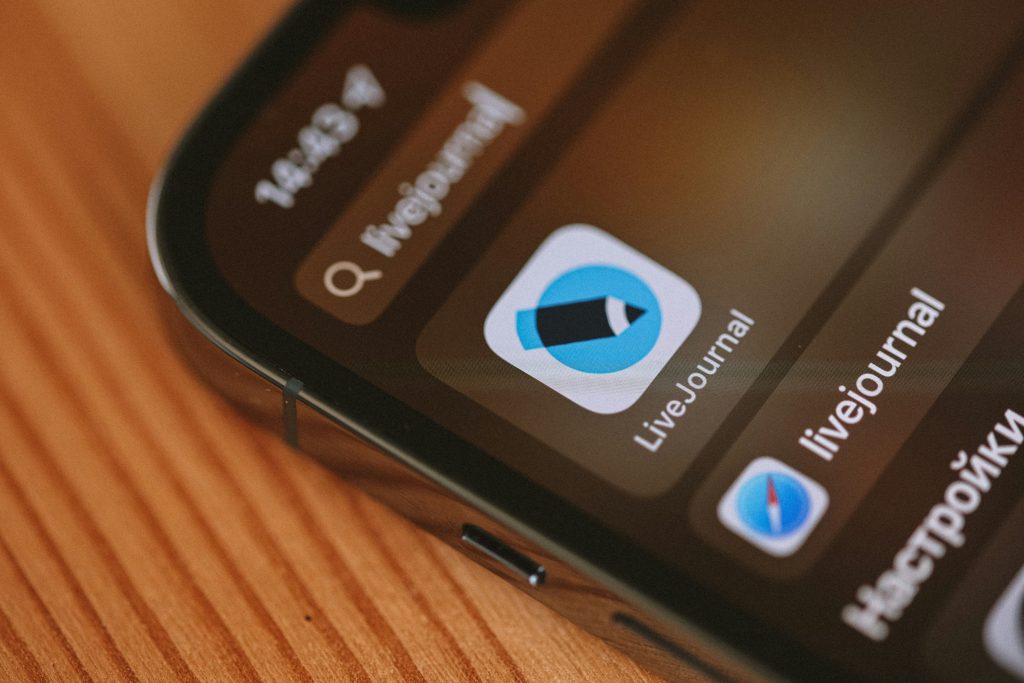
Another essential iPhone hidden tip is Spotlight Search. By swiping down on the home screen, users can access a powerful universal search tool.
Spotlight is not just for finding apps or contacts. It can also function as a calculator, currency converter, unit converter, and dictionary. This makes it one of the most versatile iPhone hidden features available.
Spotlight Search saves time by eliminating the need to open multiple apps for simple tasks.
For example, typing a simple equation instantly gives you the result. Entering a word in another language can show translation suggestions. You can even search for files, emails, and web results without opening separate apps.
This centralized system improves productivity by reducing app switching and saving time. Instead of opening multiple tools, everything is available in one place, making daily tasks faster and more efficient.
Keyboard Hidden Features: Faster and Smarter Typing
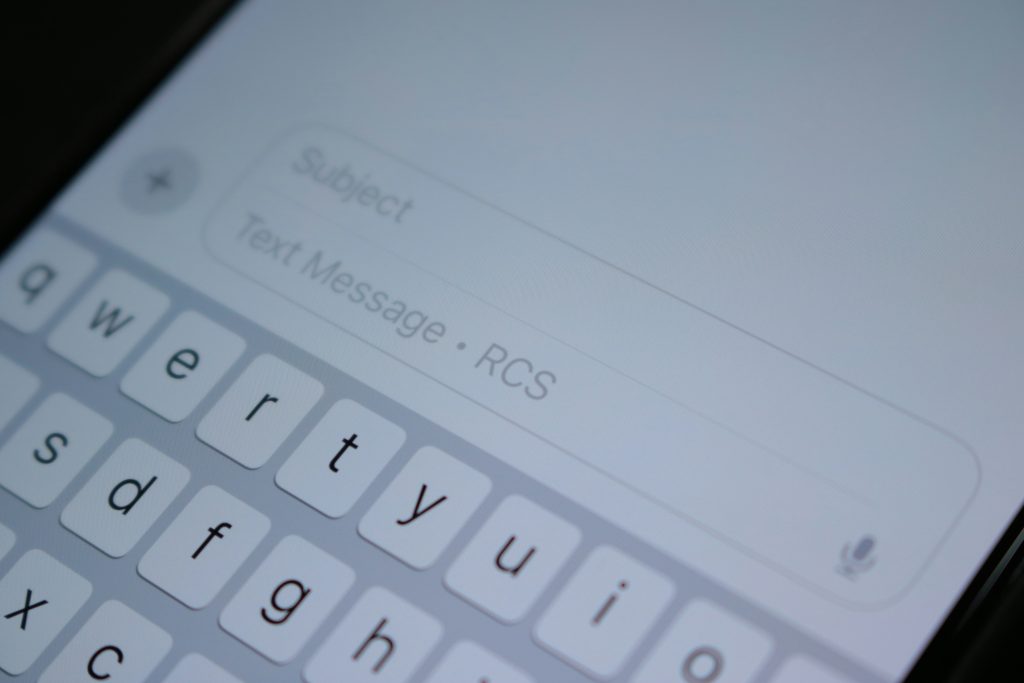
Typing is one of the most frequent actions on any smartphone, and the iPhone includes several powerful hidden iPhone tips to improve it.
One of the most useful is the trackpad mode. By pressing and holding the spacebar, the keyboard turns into a cursor control tool, allowing precise text editing.
Another helpful feature is caps lock, which can be activated by double-tapping the shift key. This is useful when typing long sentences in uppercase or entering passwords.
Long-pressing keys reveals hidden symbols, accents, and special characters, making typing more flexible and professional.
Gesture-based editing also improves efficiency. A three-finger swipe to the left undoes typing, while a swipe to the right restores it. These small but powerful functions reduce frustration and make editing much faster.
Camera & Photo Hidden Features
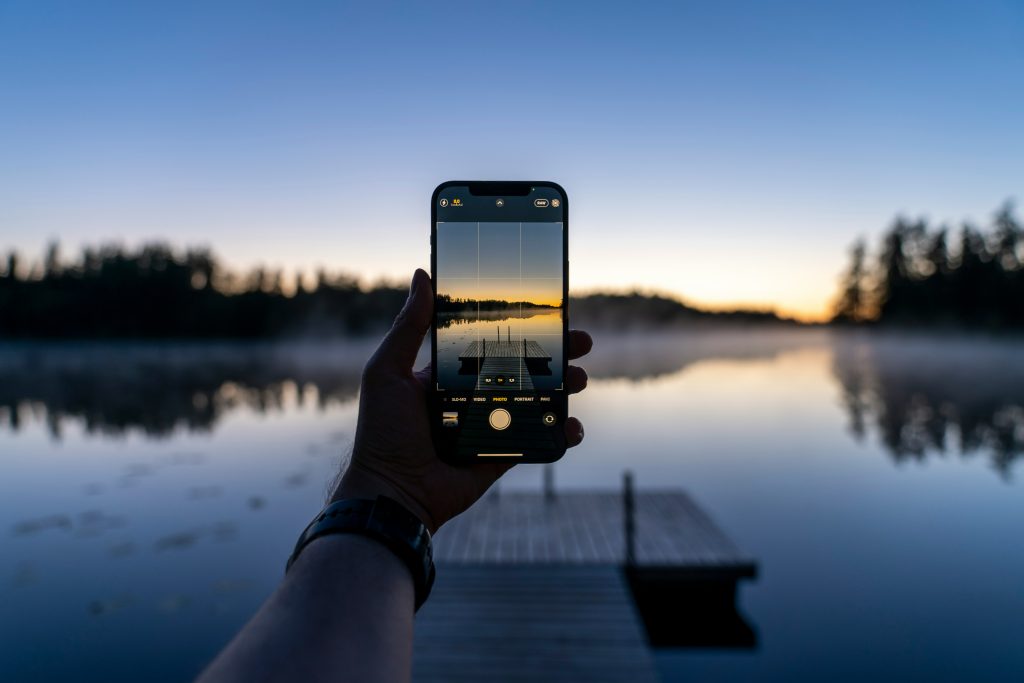
The iPhone camera system is widely known for its quality, but it also includes many hidden features beyond basic photography.
One useful iPhone hidden tip is instant video recording. By holding the shutter button and swiping right, users can quickly switch to video mode without changing settings.
Another advanced feature is subject lifting. This allows users to long-press a subject in a photo and copy it with a transparent background. It can then be pasted into messages, documents, or design apps.
Live Text enables users to interact directly with text inside images, turning photos into editable information sources.
Whether it is a sign, document, or screenshot, users can copy, translate, or search text instantly.
These features turn the camera into a productivity tool rather than just a photography device. They reduce manual work and bridge the gap between physical and digital information.
Small Hidden Features That Improve Daily Use
Beyond major tools, several small iPhone hidden tips significantly improve daily experience.
For example, flashlight brightness can be adjusted by long-pressing its icon in Control Center. This allows better control in different lighting environments.
The calculator app includes a hidden swipe gesture that deletes the last digit, making corrections faster without restarting calculations.
The Notes app can scan physical documents and convert them into high-quality PDFs. This is extremely useful for students and professionals who handle paperwork frequently.
Guided Access is another important feature. It locks the phone into a single app, preventing accidental navigation or privacy issues when sharing the device.
Finally, gesture-based navigation allows users to switch between apps by swiping along the bottom edge of the screen, improving multitasking efficiency.
Why iPhone Hidden Tips Matter
Understanding iPhone hidden tips is not just about discovering new features. It is about changing the way users interact with technology.
These hidden functions reduce unnecessary steps, improve speed, and increase overall productivity. They allow users to accomplish more tasks in less time while maintaining a smoother experience.
From a broader perspective, these features demonstrate how well-designed software can significantly enhance human efficiency. Instead of relying on external apps or complex workflows, users can optimize everything directly within the system.
Over time, even small improvements in daily usage can lead to noticeable gains in productivity and convenience.
The iPhone is far more powerful than most users realize. Beneath its simple interface lies a wide range of iPhone hidden tips designed to improve efficiency, convenience, and usability.
By learning and applying these hidden features, users can unlock the full potential of their devices and transform the way they interact with technology.
Ultimately, the true value of a smartphone does not come from its hardware alone, but from how effectively it is used. Mastering these iPhone hidden tips can turn your device into a powerful personal assistant that enhances every aspect of your digital life.
You may also read:The Rise of Artificial Intelligence: Shaping Our Tomorrow